Fajr alarm for Android
FajrlockThe Fajr alarm you have to get up to turn off.
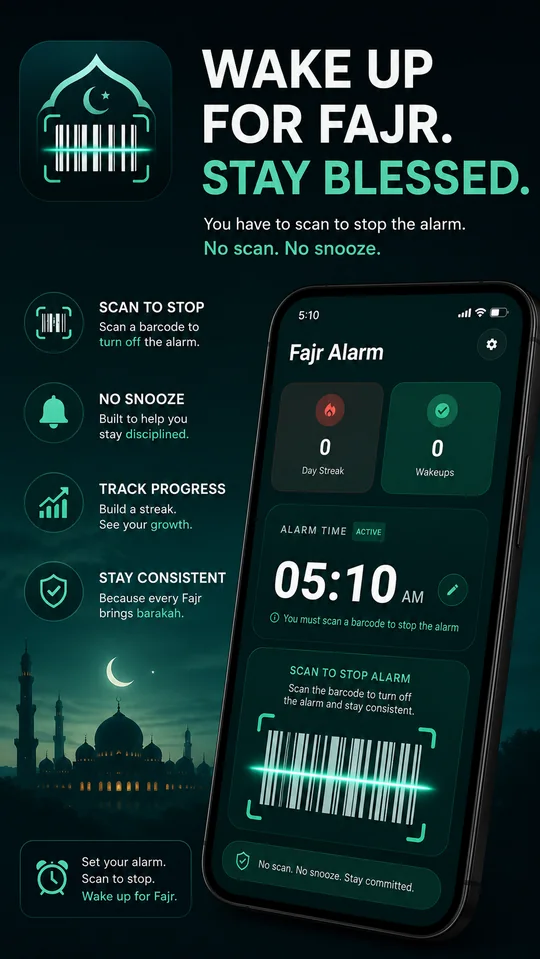
Fajrlock keeps ringing until you scan a barcode or NFC tag that you’ve placed in another room. By the time you reach it, you’re awake, and Fajr is waiting.
How it works
- 1
Set your time
Choose the time you want to wake up for Fajr. The alarm repeats every day.
- 2
Register a barcode
Scan any barcode, like a shampoo bottle or a book, or an NFC tag. Then leave it in your bathroom.
- 3
Get up to stop it
When the alarm rings, walk to your barcode and scan it. That walk is what wakes you up.
Why it works
No snooze. No off button.
The alarm keeps ringing and returns to the screen until you scan. It even shows over the lock screen.
Any barcode or NFC tag
Product barcodes, books, cards, NFC stickers. There is a flashlight for scanning in a dark bathroom.
Starts gently, then insists
The volume starts low and rises until you get up. Use a system alarm sound or your own audio file.
A heart that fills with every Fajr
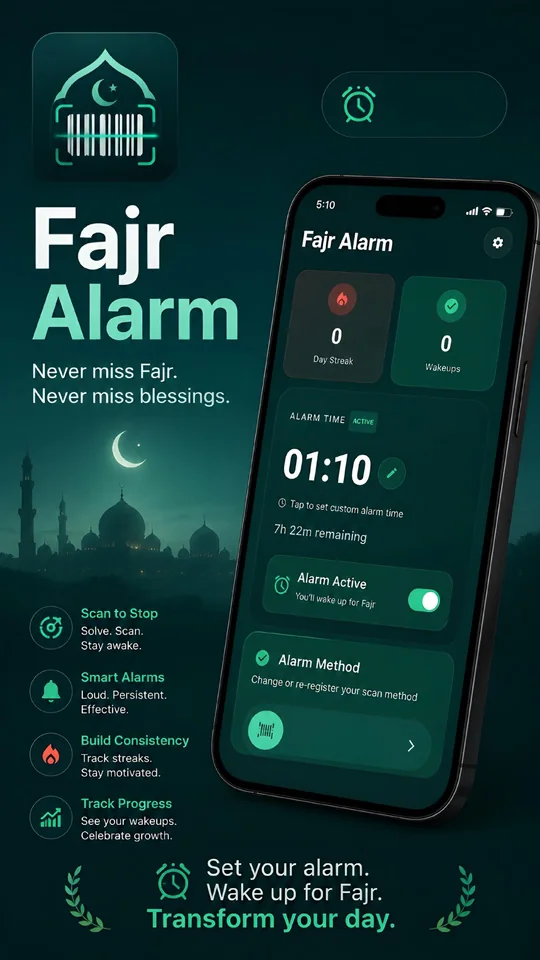
A heart of 365 dots lights up for every morning you wake up and scan. Watch your year come together.
Test it tonight
Run a test alarm that rings in ten seconds, so you know it works on your lock screen before Fajr.
Private, and in your language
No account and no sign-in: your settings stay on your phone. Available in ten languages, including Arabic, Urdu and Turkish.
Questions
Is there a snooze button?
No. Fajrlock has no snooze and no button to turn the alarm off. It stops when you scan your registered barcode or NFC tag.
What if I can’t find my barcode?
The alarm stops by itself after the ring limit you choose in the settings, from 5 to 60 minutes (30 by default). That morning counts as missed. You can then register a new barcode or tag in the app; it replaces the old one.
Which barcodes work?
Almost any barcode printed on a product, book or card: EAN, UPC, Code 39, Code 93, Code 128 and ITF. QR codes are not supported. Any NFC tag, card or sticker works too.
Does it calculate Fajr time?
No. You set the alarm time yourself, so you decide how early to wake up. Check the Fajr time for your city and set your alarm a little before it.
Will it ring if my phone is on silent?
Fajrlock rings on your phone’s alarm volume, like a normal alarm clock, which silent and vibrate mode normally do not mute. Keep the alarm volume up, and make sure alarms are allowed in Do Not Disturb.
Does it work when the app is closed or after a restart?
Yes. The alarm is scheduled with Android’s alarm system, so it rings with the app closed, and it is set again automatically after a restart, a clock change or a time zone change.
Can I choose the sound?
Yes. Pick one of your phone’s alarm sounds or any audio file on your phone. You can also switch off the gradual volume increase and vibration.
Is Fajrlock free?
Yes. Fajrlock is free, with a small banner ad on the home screen. There are no in-app purchases. The alarm itself works without an internet connection.
Is there an iPhone version?
Not yet. Fajrlock is available for Android 8.0 and newer.
Start tomorrow’s Fajr tonight.
Install Fajrlock, register a barcode, and leave it in your bathroom before you sleep.
Permissions, explained
| Permission | Why it is needed |
|---|---|
| Camera | Scans your barcode to stop the alarm. Nothing is photographed or stored. |
| NFC | Reads your NFC tag to stop the alarm, if you choose to use one. |
| Notifications | Shows the alarm and its controls. |
| Alarms & reminders | Rings at exactly the time you set. |
| Full-screen alerts | Shows the alarm over the lock screen. |
| Display over other apps | Keeps the alarm screen on top until you scan. |
| Run at startup | Sets your alarm again after the phone restarts. |
| Ignore battery optimisation | Lets the alarm ring on time even when the phone is saving power. |
| Location | Finds your place once, if you choose GPS for automatic Fajr times. The location stays on your phone. |
| Tracking (iPhone) | Apple asks whether ads may be personalised. Saying no keeps the app working the same. |
| Internet | Loads ads. The alarm itself works offline. |
About the app
- Developer
- Webaimarket
- Category
- Lifestyle
- Requires
- Android 8.0 or newer
- Price
- Free, contains ads
- Languages
- 10
Documents
Questions about Fajrlock? Email us at admin@aividect.com.